
Public Upwork profile
Jay P.
IT manager & senior full-stack developer
Top Rated Plus
Upwork describes this as its top 3% of performers.
100%
Job Success Score

BidNinjas is an AI proposal generator for Upwork freelancers. Draft personalized cover letters from a job brief and your real experience, check proposal quality, and track results. You review and submit.
0
Opener Approaches
0
Quality Signals Scored
Your
Profile, Voice & Proof
0+
Job Categories
A generic AI cover letter can miss the client’s actual problem. BidNinjas builds each draft around the Upwork job post, relevant experience you provide, and a proposed approach you can review.

Generic copy creates a weak first impression
“Dear Hiring Manager, I am excited to apply...”
“With my extensive experience in web development...”
“I am confident I can deliver exceptional results...”
A more specific foundation you can review and send
“I’d map your Rails dependencies, migrate one workflow first, and test rollback before the next release. Which service would you want to move first?”
Illustrative approach, not a claim of past results.
The people behind the workflow
Jay and Denish each hold Top Rated Plus with a 100% Job Success Score on their public Upwork profiles. The workflow is designed with the standards working freelancers apply before they spend another Connect.
How Upwork defines Top Rated PlusPublic Upwork profile
IT manager & senior full-stack developer
Top Rated Plus
Upwork describes this as its top 3% of performers.
100%
Job Success Score
Public Upwork profile
Senior full-stack developer & DevOps tech leader
Top Rated Plus
Upwork describes this as its top 3% of performers.
100%
Job Success Score
Profile claims checked 30 September 2026 and may change. These are individual credentials, not an endorsement by or affiliation with Upwork.
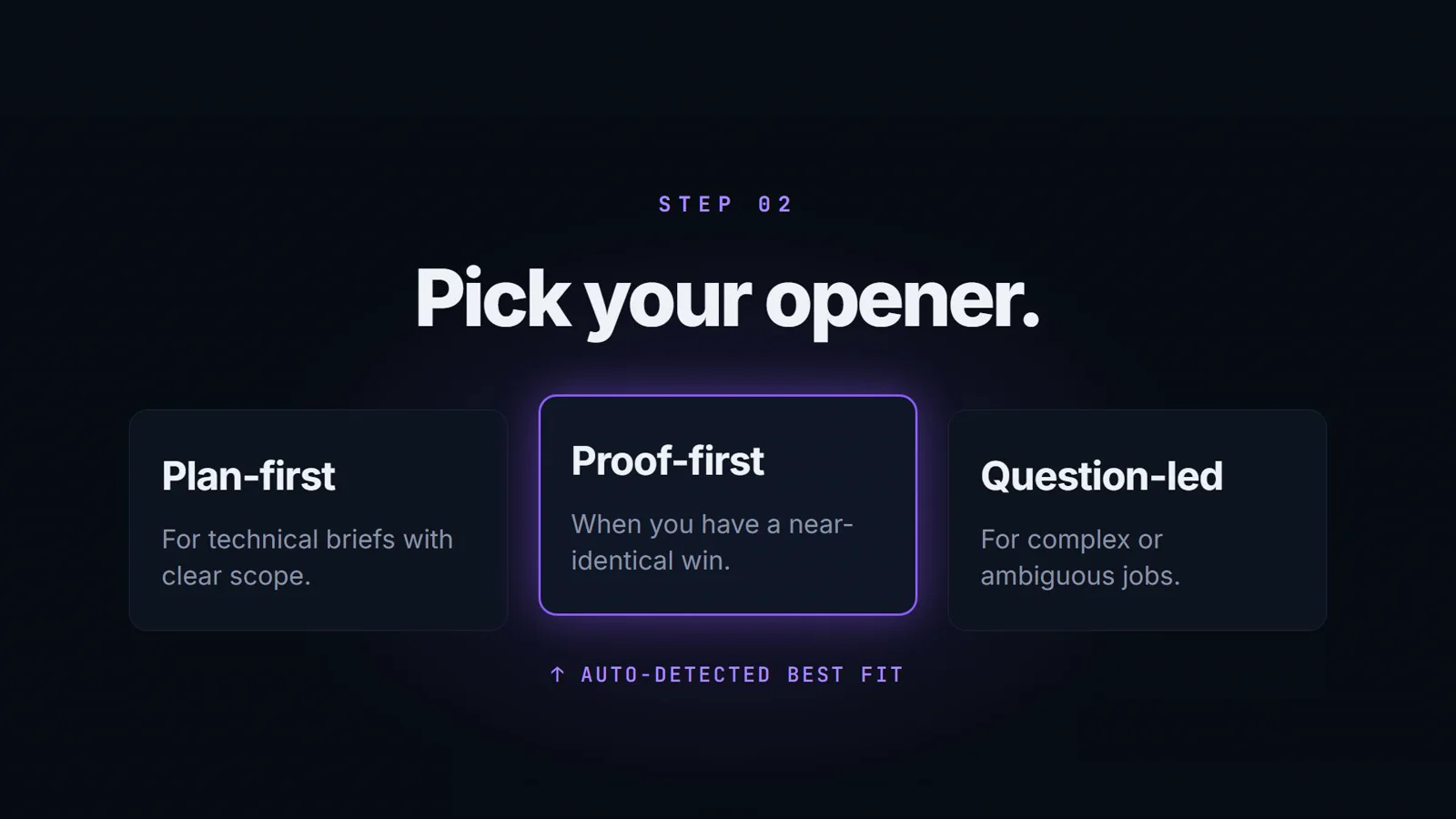
Paste a job post and any client questions. Choose Plan-First, Proof-First or Question-Led, then generate. Review the cover letter, answers, quality score and details-needed notes before submitting.
Start with a job post and add your skills or past projects for more personal context. Generate a tailored cover letter and answers to any client questions, then use the quality score to guide your review.
Use your saved profile, past projects and tone preferences to draft a cover letter that sounds like you.
Identify scope, constraints and technical requirements in the job brief so your proposal addresses the actual work.
Bring relevant projects you provide into the draft, so clients can connect your real experience to their brief.
Choose an opening that matches the job's context, then adjust the final draft in your own words before sending.
Review six quality signals—hook, specificity, proof, tone, length and authenticity—before deciding what to send.
Record sent, reply and win outcomes yourself to see which approaches are associated with results over time.
Pro’s Chrome extension brings the visible Upwork job description into BidNinjas, reducing copy-paste. Generate and review your draft in the workspace; the extension does not submit proposals or spend Connects.
Transfer the visible job description instead of rebuilding the brief.
Keep separate screening questions optional and under your control.
Review the draft and submit it yourself—no automatic bids or Connects.
Included with Pro and enforced through your signed-in BidNinjas account.
Generate with BidNinjas
Move the visible description into your workspace
Proposal workspace
Brief transferred · review required
Keep your profile, proposal scores and tracked outcomes in one workflow instead of repeating them in every prompt. Pro learning starts after 3 tracked outcomes.
Start free with 3 Upwork proposals per month. Upgrade when the proposal generator earns its place in your freelance workflow.
Try BidNinjas with no commitment
3 proposals per month
Enough to test the tool on real jobs and see the difference immediately.
All 3 opener styles
Plan-First, Proof-First and Question-Led — choose the angle that fits the job.
Basic job analysis
Extracts the client's core requirement and maps it to your pitch.
Proposal scoring
See the six-dimension quality score before you send each proposal.
Proposal history & outcomes
Review past proposals and record sent, replied, won, or lost outcomes.
Copy to clipboard
One click to copy your finished proposal, ready to paste into Upwork.
For freelancers getting started
30 proposals per month
Enough for daily bidding without hitting a wall mid-month.
Everything in Free
Keep scoring, history, outcome tracking, all opener styles, and copy tools.
Advanced job analysis
Identifies hidden client fears, budget signals, and urgency cues in the job post.
Edit & save proposals
Refine generated proposals in-app and save them for reuse or reference.
For serious freelancers who bid daily
Then $49/mo from month 2
100 proposals per month
High-volume bidding without rationing — submit on every relevant job.
Everything in Starter
Keep advanced analysis and persistent proposal editing alongside all Free tools.
Analytics dashboard
Track win rate, average score, and top-performing categories across all your proposals.
Personal learning loop
After 3 tracked outcomes, use patterns from your recorded results as context for future drafts.
Chrome extension
Move the visible job description into the Generator while separate client questions remain optional.
Priority support
Direct support with faster response times — no waiting in a general queue.
Custom volume, onboarding, or special requirements
Everything in Pro
Full access to all Pro features — analytics, learning loop, scoring, and history.
High-volume credits
Tailored proposal limits to match your team's bidding volume.
Dedicated onboarding
Hands-on setup to get your team generating winning proposals from day one.
Priority support
Named support contact with SLA-backed response times.
Spend less time starting from a blank page. Build a proposal around the client’s brief, review the fit and facts, then decide whether the job is worth your Connects.
No credit card required. 3 free proposals every month. Cancel anytime.